 Live
LiveGoogle Calendar
Interviews and deadlines land on the calendar you already keep.

Your job search does not live in one tab. Connect Offboard to the assistants you already work in, and save opportunities, update applications, and add to your Career Context from wherever the conversation happens.
Get started free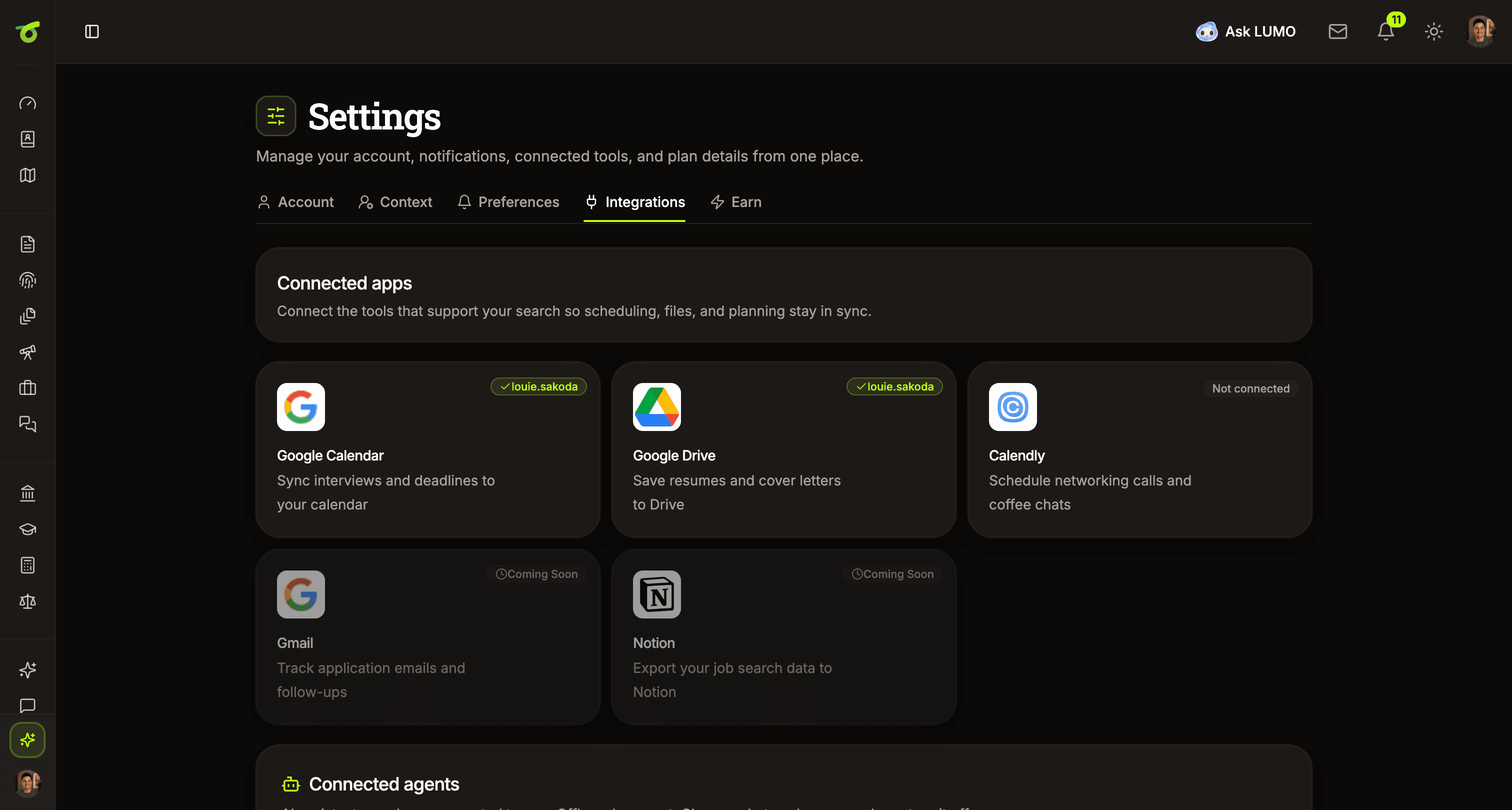 Live
LiveInterviews and deadlines land on the calendar you already keep.
 Live
LiveSave resumes and cover letters straight to your Drive.
 Live
LiveBook networking calls and coffee chats without leaving your search.
 Beta
BetaSave a role, move an application forward, or add to your Career Context from a ChatGPT conversation.
 Beta
BetaWork through a project or an interview in Claude and have what you decide land back in your record.
 In progress
Follow application email and replies without hunting through your inbox.
 In progress
Export your job search record to Notion.
ChatGPT and Claude are in beta. They work today and we are still refining them. The ones marked in progress are being built, and we do not put dates on them.
ChatGPTYouI think I'm going to apply to this. Add it to Offboard.

Done. I've added the role to your Offboard tracker and saved the company context.
ClaudeYouAdd the project outcomes we just discussed to my Career Context.
Done. I've added the migration project and its results to your experience.
LumoYouWhich applications need attention today?
Three need follow-up. Tesserac has an interview on Thursday, and two applications have been open for more than two weeks without a reply.
Give each connected assistant full access, read-only access, or no access. You can change that level at any time in Settings.
If you would rather not connect anything, Lumo works from the same Career Context without leaving Offboard. Connecting an outside assistant is an option, not a requirement.
See how Lumo worksEvery connection reads from and writes to your Career Context. Build it once and it is there in Offboard, in ChatGPT, and in Claude.
See what it holdsBuild your Career Context once, then reach it from Offboard or from the assistants you already use.
Independent support. Start free.